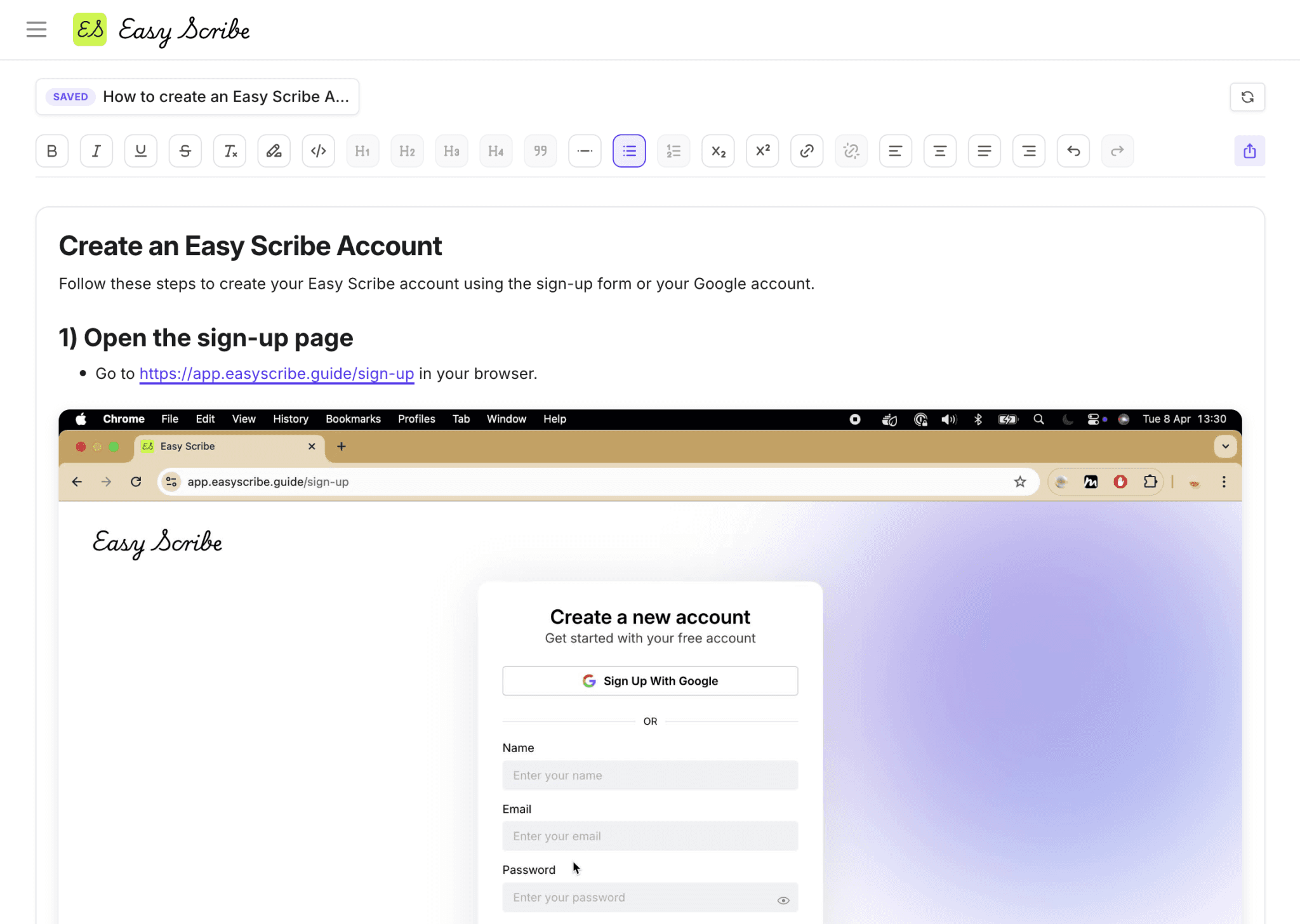

When product requirements evolve every sprint, Easy Scribe helps teams generate polished docs for Confluence or Notion in minutes, reducing rework, eliminating version drift, and keeping support, QA, and engineering aligned.

Publish more, faster
Create and update Confluence documentation fast so product changes stay current and aligned with releases.
Reduce support load
Empower engineers, support, and customers with documentation that answers questions.
Better clarity with context
Turn workflows into actionable, easy‑to‑follow docs with screenshots and structured steps.
How Easy Scribe works
Core features that move metrics
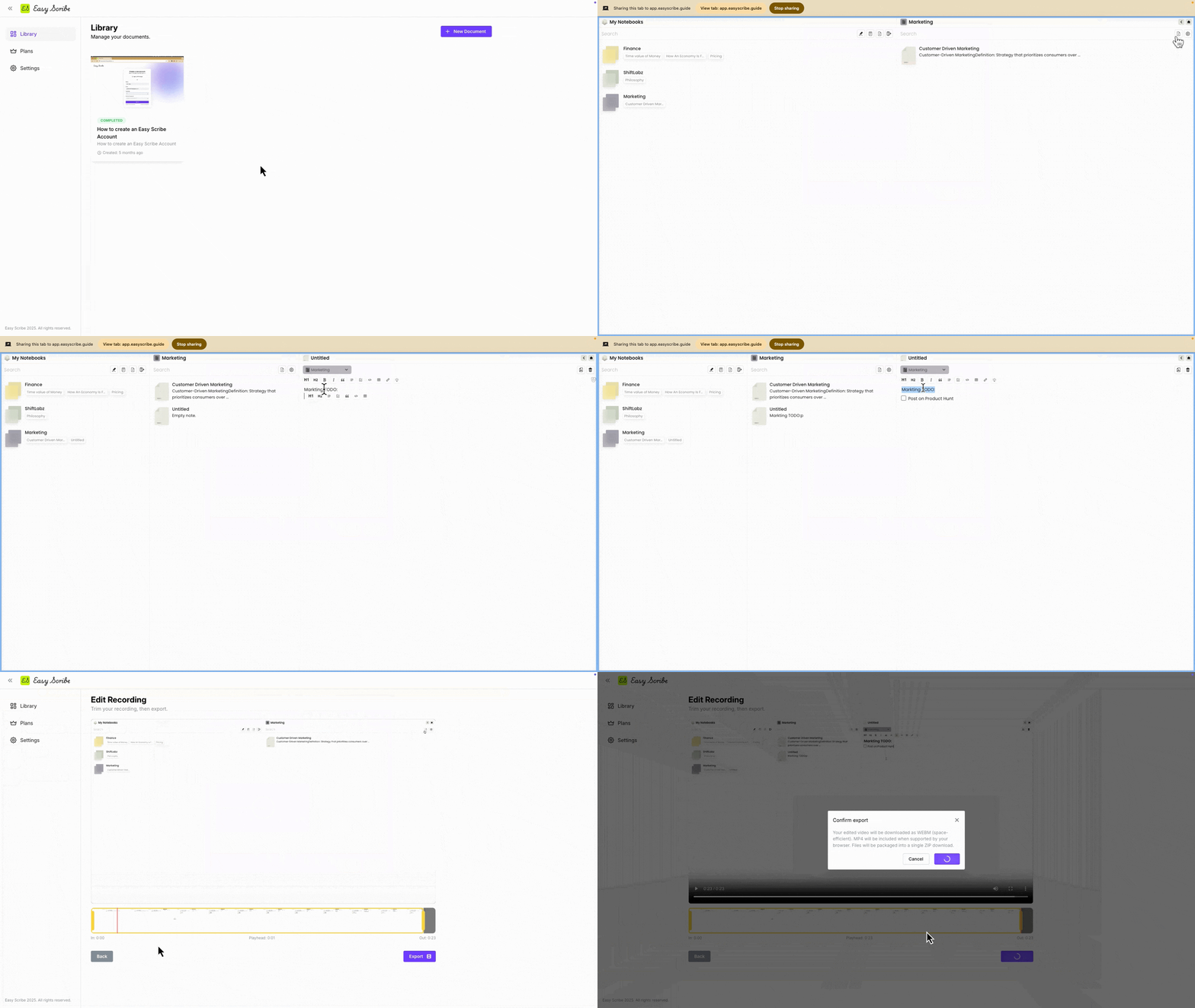
In-app screen recording
No extra-apps or installs needed, use our in-built screen recorder.

Contextual screenshots
Auto screenshot extraction and ordered step generation to enhance clarity.
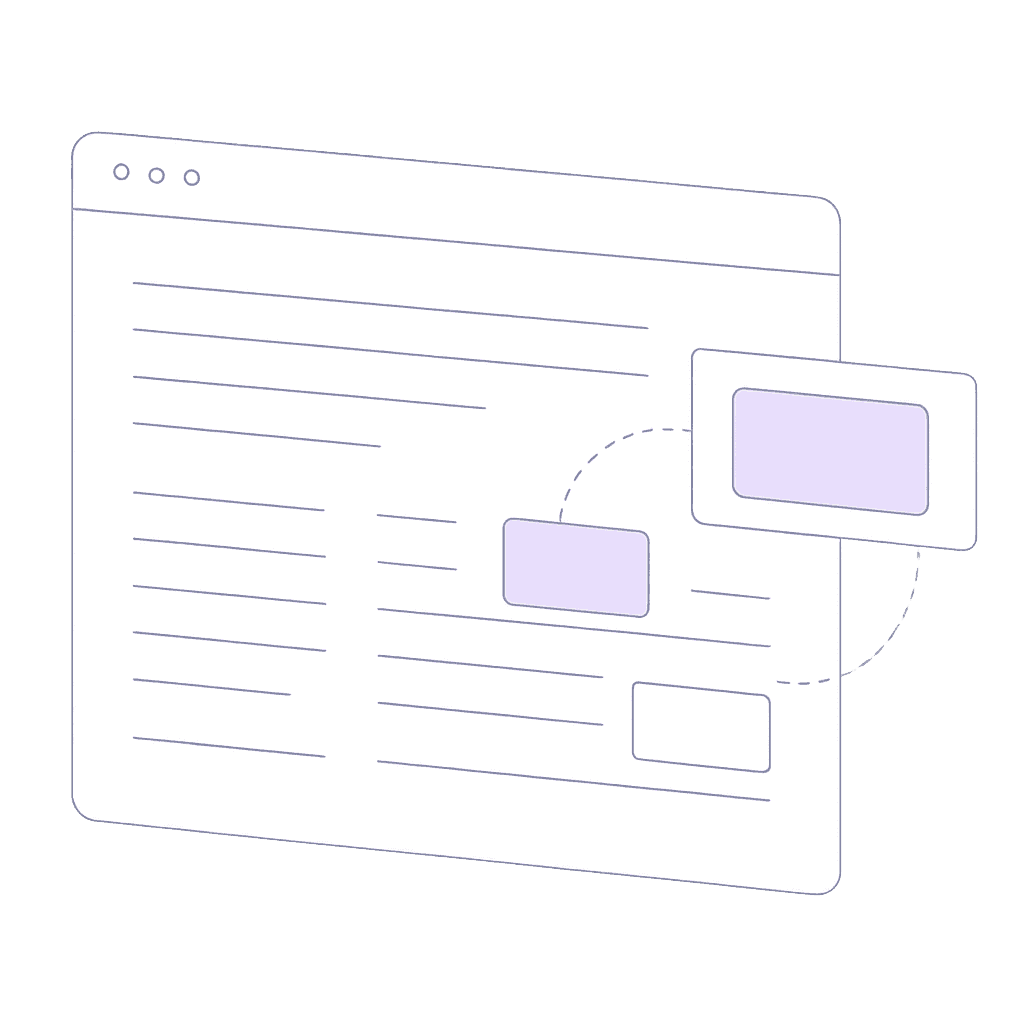
Redact Private Information
Ensures no Personally Identifiable Information (PII) is in your images or documents.

Share & export
Export to Atlassian's Confluence, Markdown, PDF, Word and more

Use cases
These are the use cases where Easy Scribe pays back fastest
Product teams
Auto‑generate documentation as features evolve, reducing outdated guides and manual updates.
Technical writers
Convert workflow recordings into polished product documents that developers and customers rely on.

Support & QA
Build reproducible guides & training manuals with clear steps and captions.
User guides
Create step-by-step visual instructions, helping users navigate complex processes.
UX research & design
Turn usability sessions into annotated walkthroughs to validate design decisions.
Training & on-boarding
Quickly on-board team members with detailed guides on company tools & resources.
FAQs
Answers to your frequently asked questions

Easy Scribe
Rich documentation, walkthroughs, and guides from screen recordings.
Quick links
RESOURCES
© 2026 Easy Scribe. All Rights Reserved